Notion vs Obsidian: Which Is Better for Content Creators?
After two years using both daily: Notion wins for teams and shared workspaces, Obsidian wins for solo creators who want a fast, private, future-proof knowledge base. Full pricing, feature, and workflow breakdown.
Notion vs Obsidian: Which Is Better for Content Creators?
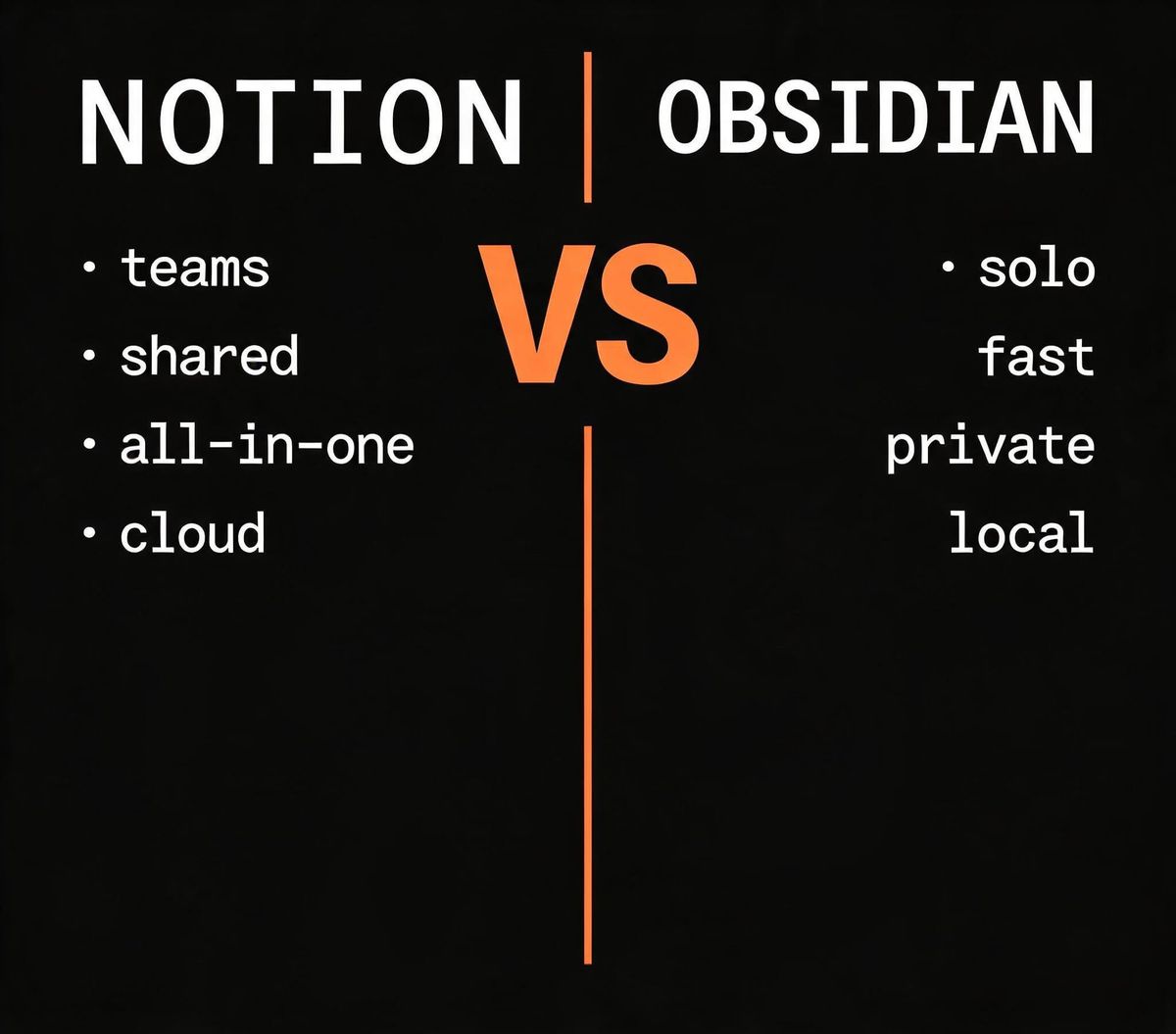
Short answer: Notion is better for content creators who collaborate, publish, and manage projects in one workspace; Obsidian is better for solo creators who want a fast, local, future-proof knowledge base. Most creators need Notion; serious researchers and writers often prefer Obsidian.
The 30-Second Verdict
| Notion | Obsidian | |
|---|---|---|
| Best for | Team collaboration, publishing, project management | Personal knowledge management, linked notes |
| Data storage | Cloud (Notion servers) | Local Markdown files |
| Collaboration | Real-time, excellent | Limited (via paid Sync or git) |
| Publishing | Built-in (Notion sites) | Via third-party plugins |
| Learning curve | Moderate | Steep |
| Price | Free tier; $10/mo Plus | Free; $10/mo Sync add-on |
| Verdict | Best all-in-one workspace | Best personal knowledge graph |
What Are Notion and Obsidian?
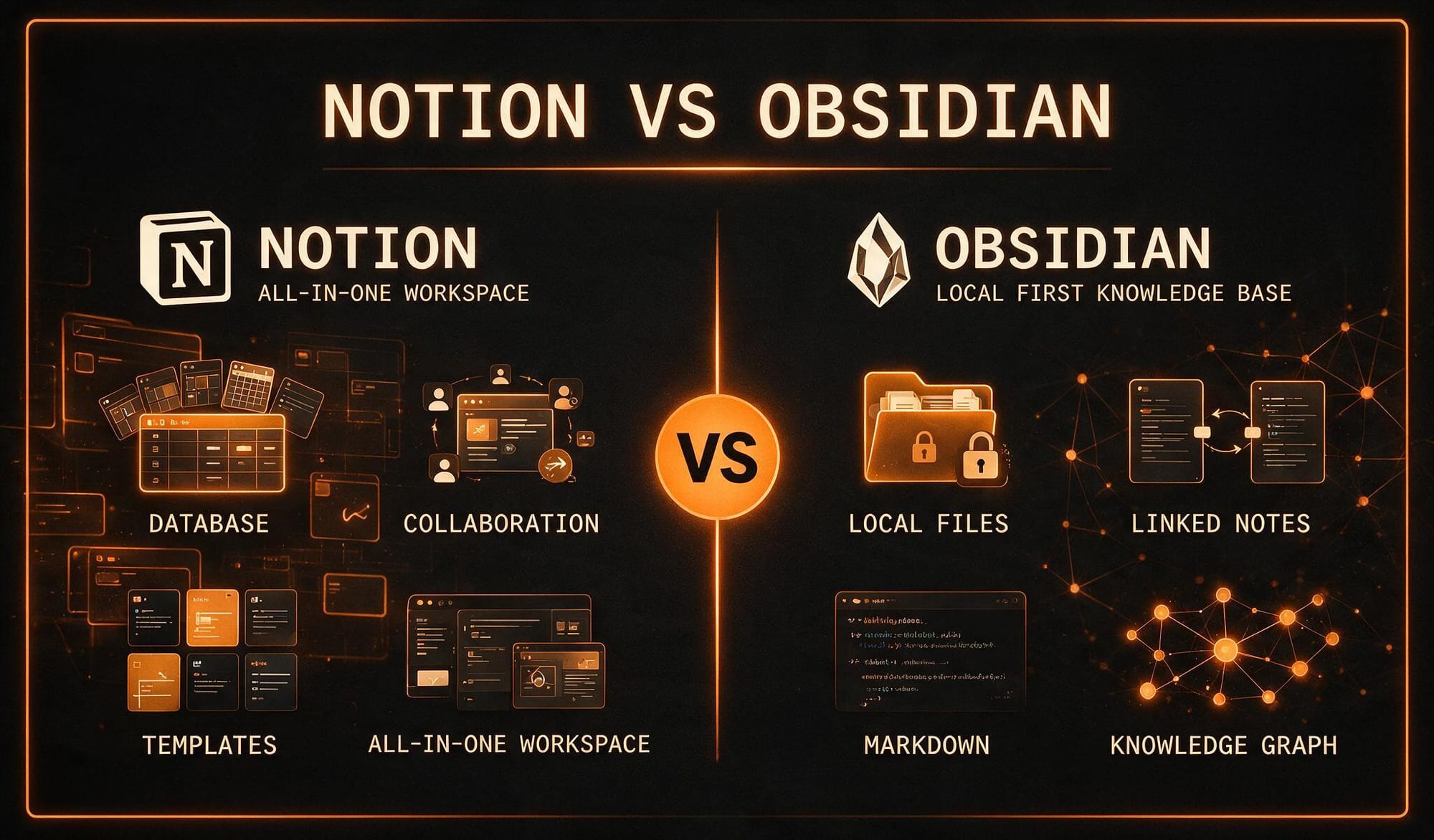
Both tools are often called "note-taking apps," but that label undersells both. They represent two fundamentally different philosophies about how knowledge should be stored, structured, and retrieved.
Notion launched in 2016 as an all-in-one workspace. It combines documents, databases, wikis, calendars, and project boards in a single cloud-based interface. The pitch: stop juggling five separate SaaS tools and do everything — notes, tasks, publishing, team wikis — in one place. Notion's strength is breadth and collaboration; its weakness is that no single feature is as deep as a dedicated tool.
Obsidian, released in 2020, is a local Markdown editor built on the idea that your notes should be plain text files you own, stored on your own machine, linked together in a personal knowledge graph. Obsidian's pitch: your notes should outlive any app, never be locked in a cloud, and connect to each other through explicit links the way ideas do in your brain. Its strength is speed, ownership, and depth; its weakness is collaboration and publishing.
The core philosophical difference: Notion is a cloud database you rent. Obsidian is a folder of Markdown files you own. Everything else flows from that.
Pricing Comparison
Both tools are genuinely affordable, and the free tiers are usable.
- Notion Free — Unlimited pages for individuals, 7-day page history, limited block storage for teams.
- Notion Plus — $10/month. Unlimited file uploads, 30-day history, unlimited blocks for team use.
- Notion Business — $18/user/month. Advanced permissions, private teamspaces, 90-day history.
- Obsidian — Free for personal use, all features included. No account required.
- Obsidian Sync — $10/month. End-to-end encrypted sync across devices. Optional, not required.
The Notion pricing page and Obsidian pricing page confirm these figures. Notion gets expensive fast for teams because pricing is per-user. Obsidian stays cheap because it is local-first; the only paid feature is optional encrypted sync.
Feature-by-Feature Comparison
Note-Taking and Writing (Winner: Obsidian)
Obsidian is the faster, more focused writing environment. It loads instantly, works offline, and gets out of your way. The editor is plain Markdown — no floating toolbars, no block menus, no latency. For writers who want to think on the page without fighting an interface, Obsidian is superior. Notion's block-based editor is powerful but slower and more visually busy, which can distract from long-form writing.
Linked Notes and Knowledge Graph (Winner: Obsidian)
Obsidian's defining feature is backlinks and the graph view. Every note can link to any other note using [[double brackets]], and Obsidian shows you every backlink automatically. The graph view visualizes how your notes connect, which helps you discover unexpected relationships between ideas. This is the "second brain" workflow popularized by researchers and writers, and Obsidian is the best tool for it. Notion has backlinks too, but they are secondary to its database model and less fluid to use.
Databases and Project Management (Winner: Notion)
This is where Notion pulls decisively ahead. Notion databases — tables, boards, calendars, galleries — let you build custom project trackers, editorial calendars, content pipelines, and CRM systems without leaving the app. A content creator can track article ideas, publishing schedules, affiliate links, and revenue in linked databases, all filterable and viewable as a Kanban board or calendar. Obsidian has database-like features through community plugins (notably Dataview), but they require technical setup and are not as polished.
Collaboration (Winner: Notion)
Notion is built for teams. Real-time co-editing, comments, mentions, granular permissions, shared workspaces — it all works out of the box. Obsidian is a single-player tool by design. Multi-device sync requires the paid Sync add-on or a git-based workaround, and real-time collaboration is not natively supported. If you work with a team, Notion is the only practical choice.
Publishing (Winner: Notion)
Notion can publish pages to the web with one click, and Notion Sites let you build simple websites from your workspace. For creators who want to publish without setting up a separate CMS, this is genuinely useful. Obsidian has no native publishing; you need third-party tools like Obsidian Publish (a paid add-on) or export plugins.
Extensibility (Winner: Obsidian)
Obsidian has a thriving plugin ecosystem with over 2,000 community plugins. You can add kanban boards, calendars, Zotero integration, spaced repetition, dataview queries, and virtually anything else. Notion has integrations and an API, but its extensibility is more constrained — you work within Notion's model rather than bending the tool to your needs.
Where Each Tool Falls Short
Notion's Weaknesses
- Cloud dependency. No offline mode worth using. If Notion's servers are down, your workspace is down.
- Data lock-in. Exporting out of Notion is possible but lossy — databases and relations do not survive the export cleanly.
- Performance at scale. Large workspaces with many databases get slow. Search can lag.
- No true local storage. Your data lives on Notion's servers. If you value data sovereignty, this is a dealbreaker.
Obsidian's Weaknesses
- No real collaboration. Obsidian is for one person. Team knowledge management requires a different tool.
- Steeper learning curve. Markdown, plugins, and configuration options assume some technical comfort.
- No built-in publishing. Getting Obsidian content onto the web requires extra steps and tools.
- Sync is paid. Cross-device sync costs $10/month unless you use a manual solution like iCloud or git.
Who Should Use Which?
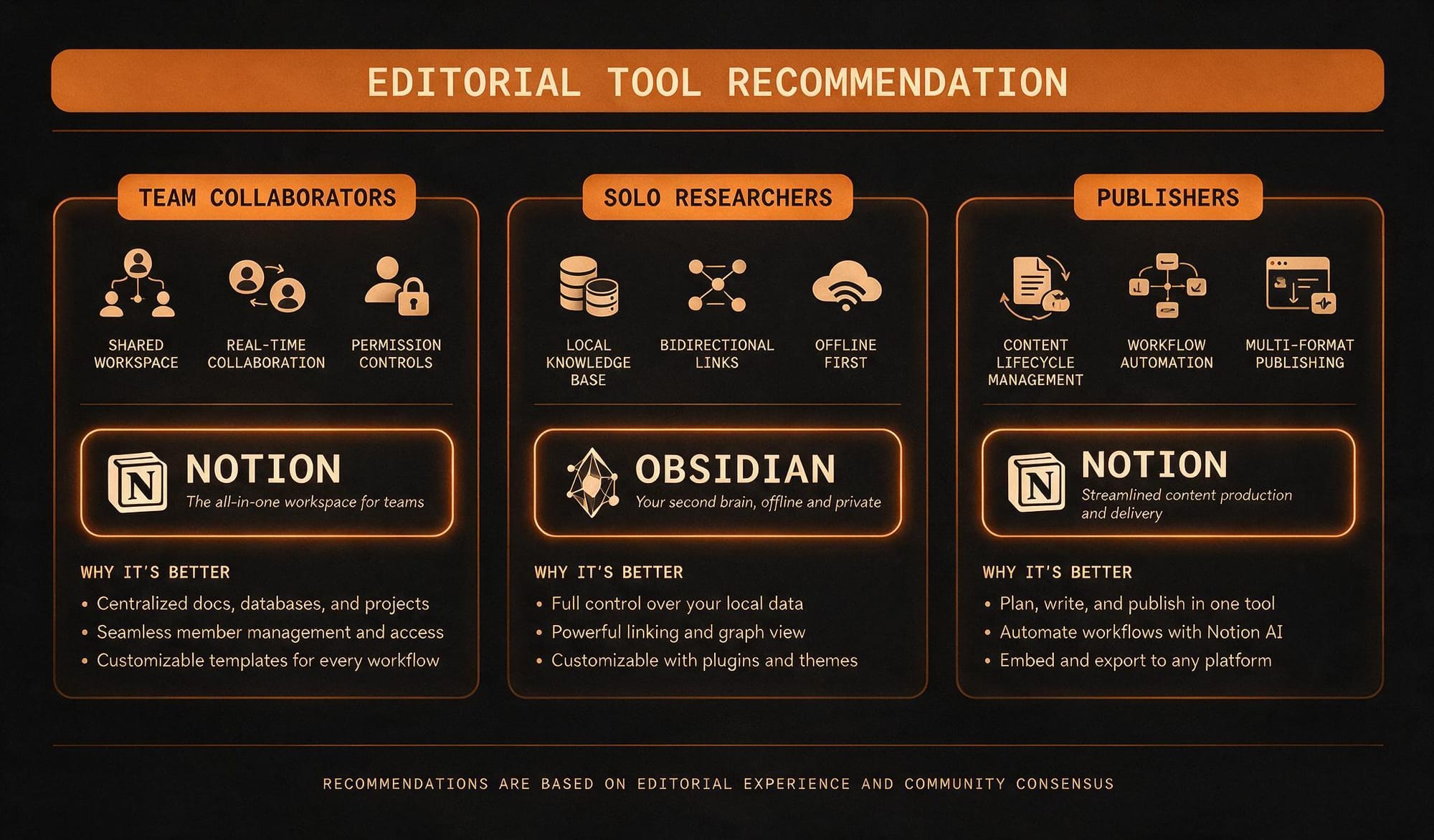
Choose Notion if you are:
- A content team that collaborates on editorial calendars and shared docs
- A creator who wants publishing, project management, and notes in one tool
- Someone who values visual organization (boards, galleries, calendars)
- A team that needs real-time co-editing and permissions
Choose Obsidian if you are:
- A solo writer, researcher, or academic building a personal knowledge base
- Someone who values local storage, data ownership, and plain-text files
- A deep thinker who wants linked notes and a graph view
- A technically comfortable user who wants maximum extensibility
For more on how knowledge tools fit into a content creation workflow, see our 7 best AI tools for content creators. If your content workflow includes email marketing, our ConvertKit review covers the email side, and our Surfer SEO review covers the optimization side.
The Bottom Line
Notion and Obsidian are not really competing for the same user. Notion is the better choice for most content creators because it solves more problems in one place — writing, project management, collaboration, and publishing all live under one roof. Obsidian is the better choice for a specific type of creator: the solo writer or researcher who wants a fast, local, deeply linked knowledge base and does not need collaboration or built-in publishing.
A common pattern we see among serious creators is using both: Obsidian for personal thinking, research, and drafting, and Notion for team collaboration, project tracking, and publishing. The tools complement each other better than they compete.
For more tool comparisons, see our Pictory vs Synthesia breakdown for video tools and our Surfer SEO vs Frase comparison for content optimization.
FAQ
Is Notion or Obsidian better for note-taking?
Obsidian is better for pure note-taking and writing speed — it is local, fast, and distraction-free. Notion is better if your notes need to connect to databases, tasks, and team collaboration.
Can I use Obsidian for free?
Yes. Obsidian is completely free for personal use, including all features. The only paid feature is optional encrypted sync across devices at $10/month.
Does Notion work offline?
Notion has a limited offline mode, but it is unreliable for anything beyond reading recently accessed pages. If offline access is critical, Obsidian is the better choice because it is local-first by design.
Can Obsidian replace Notion?
For a solo user focused on knowledge management, Obsidian can replace Notion. For teams that need collaboration, databases, and publishing, Notion remains the better single tool. Many creators use both.
Which is better for a content creation workflow?
Notion is better for most content creators because it combines project management, editorial calendars, and publishing in one workspace. Obsidian is better for the research and drafting phase, especially for long-form or academic content.